

Last Light
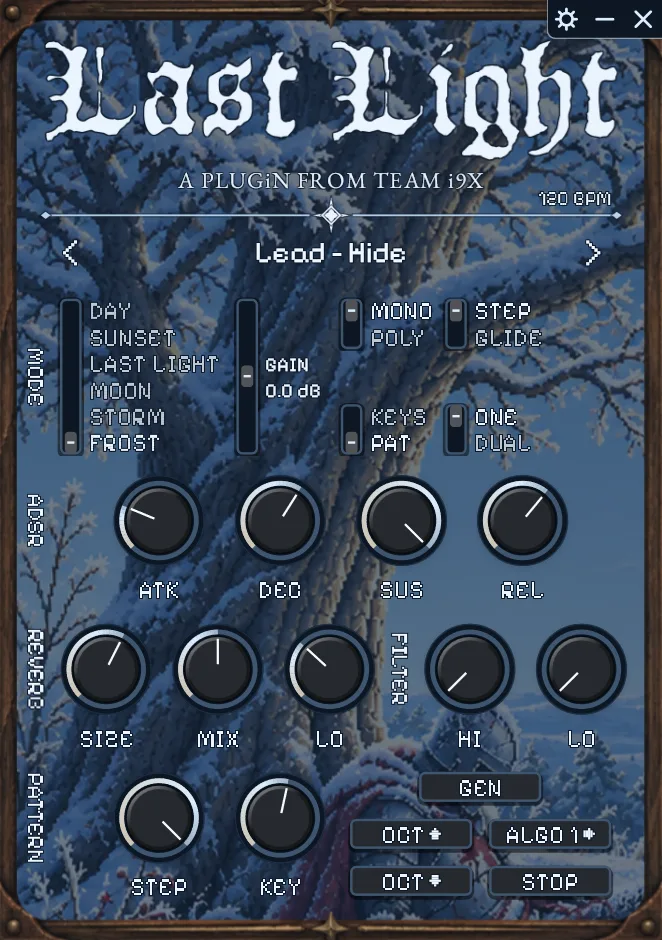
The only dark fantasy plugin you'll ever need. 100+ sounds and fine-tuned pattern algorithms to get the iconic sound straight out of the box.
- 100+ dark fantasy inspired presets
- Finely tuned pattern algorithms for getting the iconic sound in seconds
- Dual mode for blending new sounds
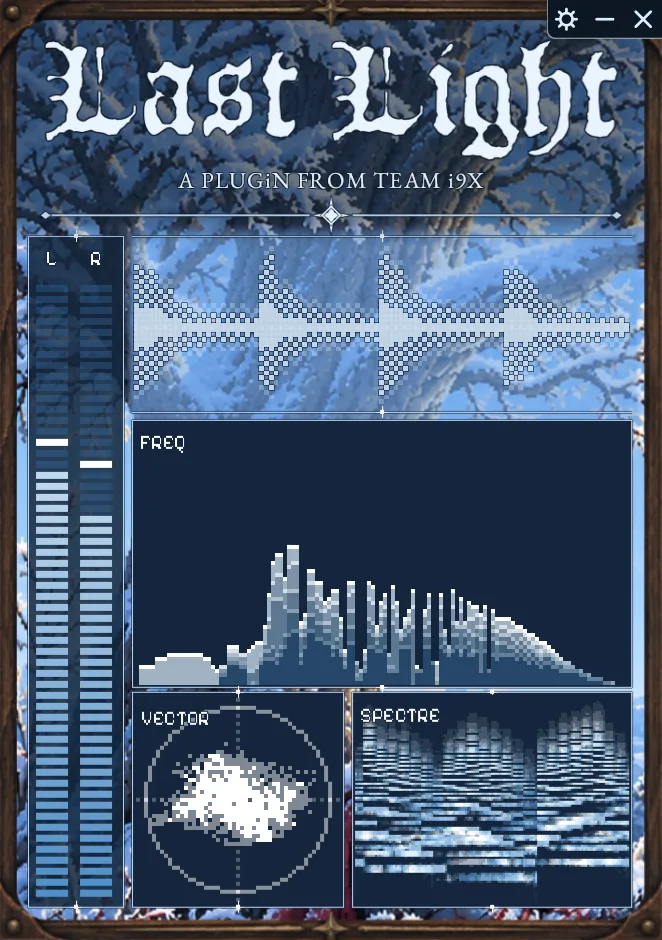
- Visualiser mode for immersion
- Lush dark reverb and filter effects
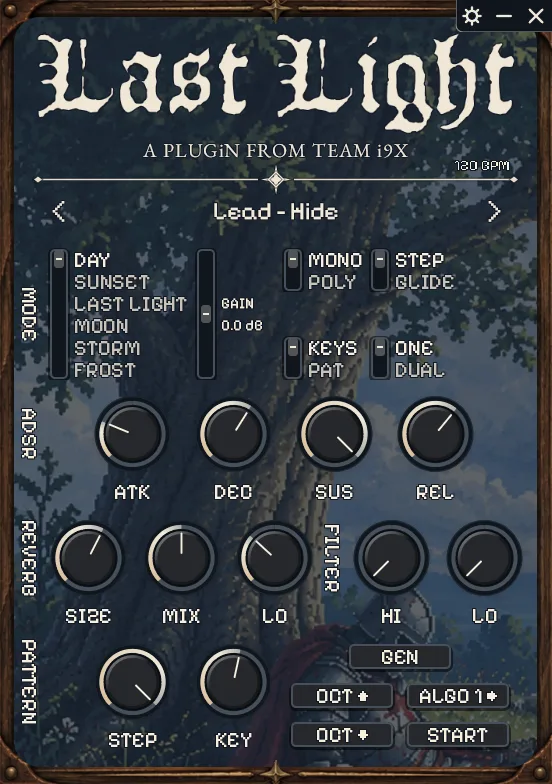
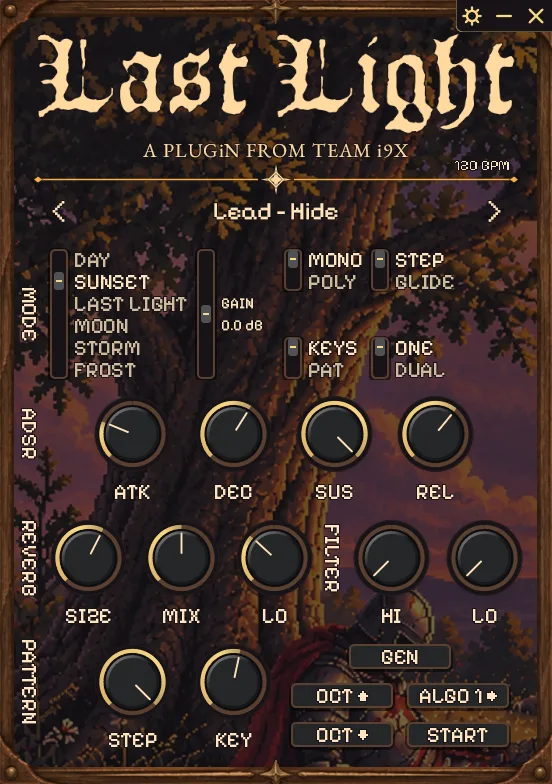
- Compact and Full screen UIs
listen
five demos made entirely in the plugin. no external processing. all midi generated using last light pattern mode.
skins
six fully animated skins. full size or compact to save screen space.
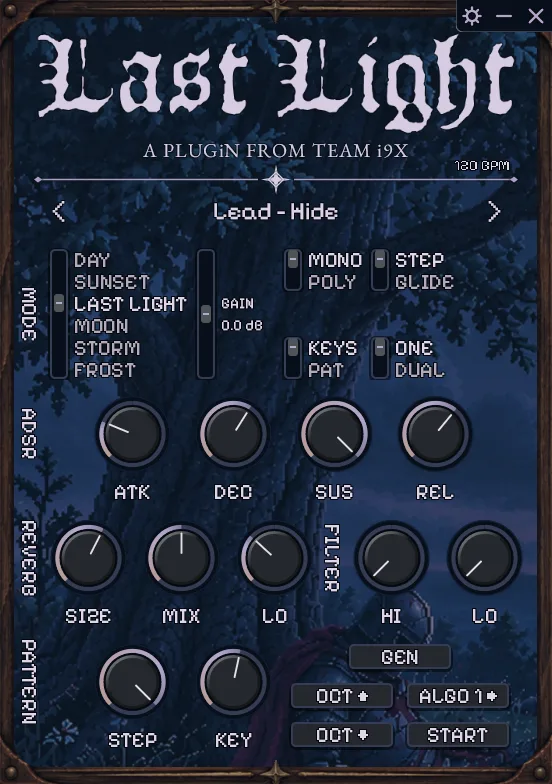
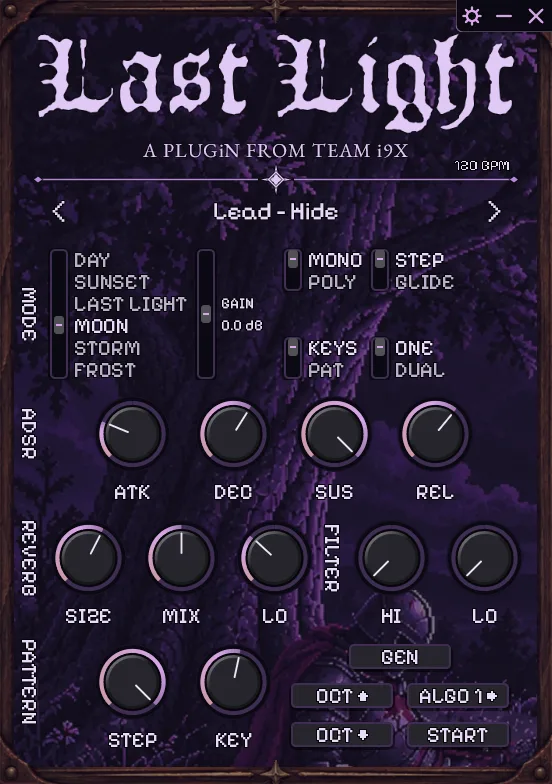
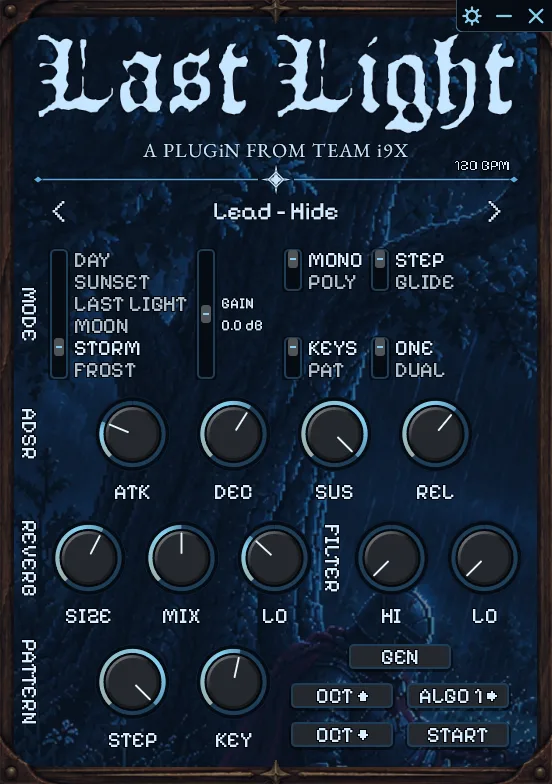
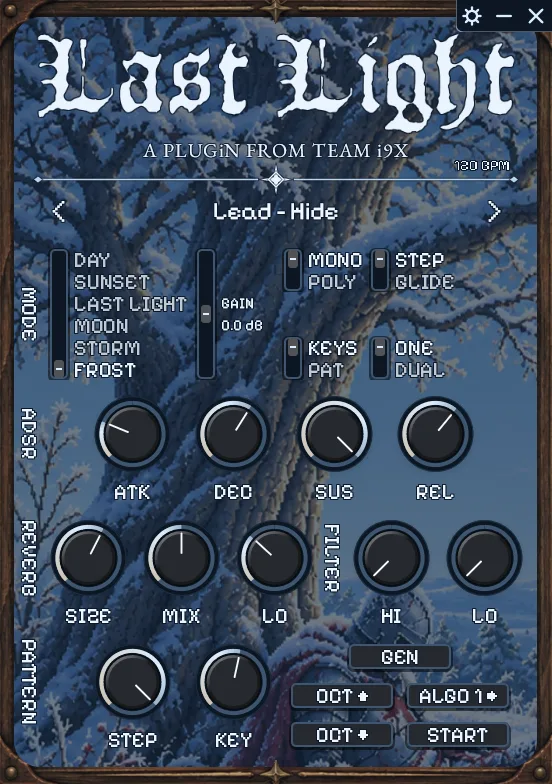

watch the demo
30 seconds of last light in action.
faq
How do I install Last Light?
- After you buy, Gumroad emails you a download link and your licence key.
- Run the installer and pick the VST3 plugin, the standalone app, or both.
- On Windows, if you see "Windows protected your PC", click More info, then Run anyway.
- Rescan your plugins in your DAW.
- Open Last Light.
My antivirus or Windows flagged the installer. Is Last Light safe?
Sometimes Windows or antivirus software flags installers from small makers. It's normal. On Windows, click More info, then Run anyway. If your antivirus blocks it, allow the installer there and run it again.
Last Light won't respond to MIDI input or my keyboard. What's wrong?
Make sure Last Light is in KEYBOARD mode, not PATTERN mode.
Can I use Last Light on more than one computer?
Your licence covers up to 3 installs on your own devices.
Does Last Light work on Mac?
Yes. Last Light runs on Windows and Mac, as a VST3 plugin and a standalone app. Your one licence covers both.
Can I get a refund?
If you're not satisfied, ask for a refund through Gumroad within 7 days of buying (use the link in your Gumroad receipt).
Can I release music made with Last Light?
Yes, royalty-free, including tracks you sell. You just can't share or sell the sounds on their own. See the licence.